Cookies
What is Cookie?
Cookies are small pieces of data stored on a user's device by websites they visit. They serve various purposes in web development.
Example Cookies use cases.
Session Management
Personalization
Tracking and Analytics
Advertising
Shopping Carts
Security
EX: Find cookies in YouTube.
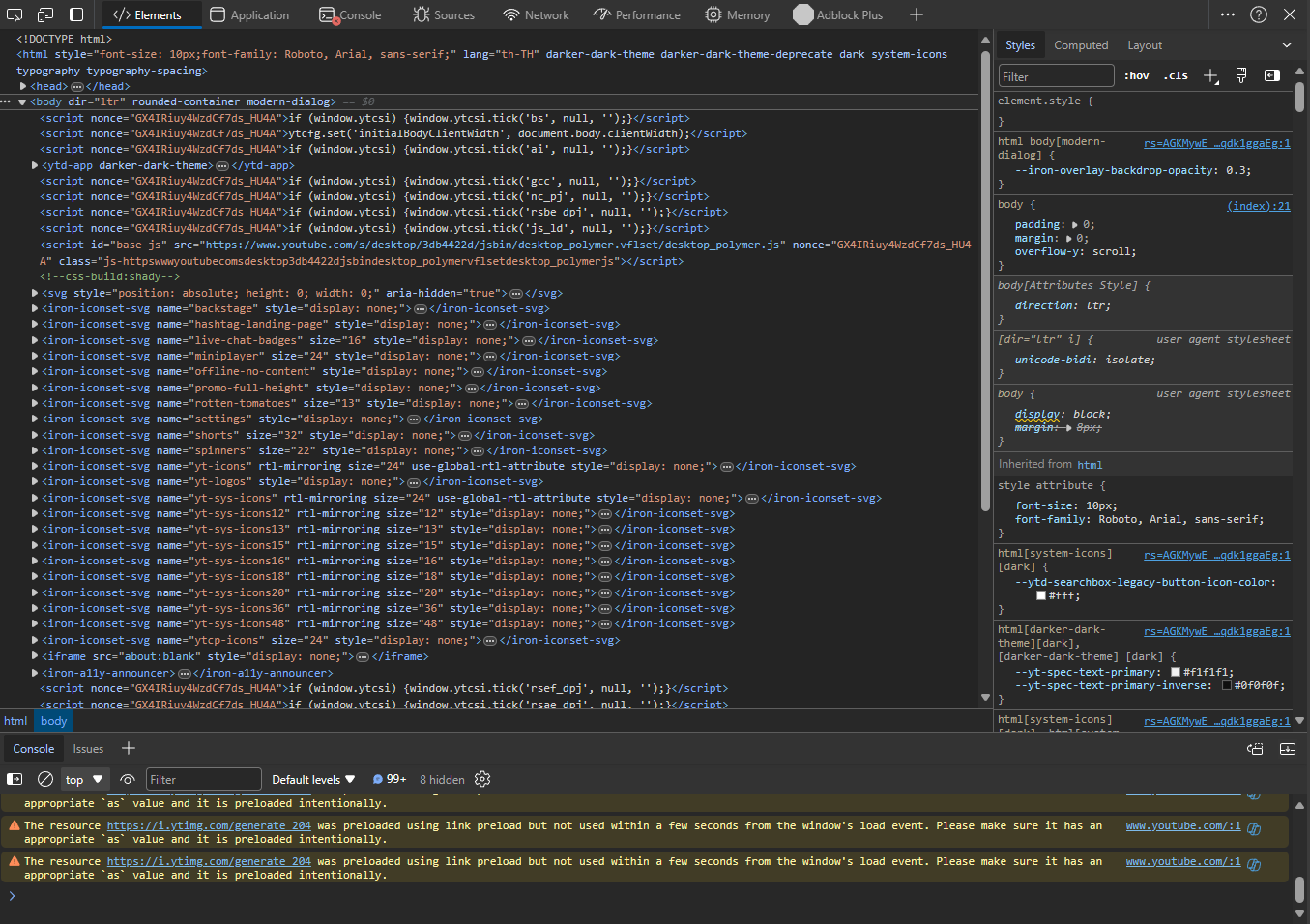 go to Application tab.


Try Using cookies in your web server.
1. Init your server project
Here I will teach you how to create a project by terminal.
(windows PowerShell in windows or bash, sh, zsh in MacOS & Linux)
You can also create it in your comfortable ways.
mkdir backend_w3
cd backend_w3

# for mac users (sh, bash and etc..) you can use && to sequently run the commands
mkdir backend_w3 && cd backend_w3
# for windows PowerShell use ; instead
mkdir backend_w3 ; cd backend_w3cd -> change working directory (AKA change folder)
Initialize your project and install node modules dependencies with npm:
npm init -y
npm i express nodemon
-y is for accept all default configurations.
const express = require('express');

const app = express();
const port = 4000;

app.get('/', (req, res) => res.send('Hello World!'));

app.listen(port, () => console.log(`Server running on port ${port}`));
app.get('/getCookie', (req, res) => {
	try {
		const name = 'MyCookie';
		const value = 'This is my cookie';
		res.cookie(name, value);
		return res.send('Cookie set');
	} catch (error) {
		console.log(error);
		return res.status(500).send('Cookie not set');
	}
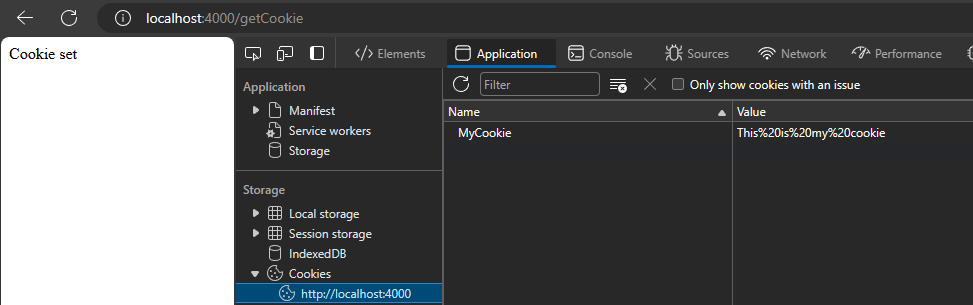
});localhost:4000/getCookie and inspect it you will see your cookie there.