
A Simple Form
Key Concepts and Functions:
-
useState:
- The
useStatehook is used to create and manage the state of the form data (formData). It initializes the state with default values.
- The
-
handleChange Function:
- The
handleChangefunction is called whenever there is a change in any form input. It updates the corresponding piece of state in theformData.
- The
-
handleSubmit Function:
- The
handleSubmitfunction is triggered when the form is submitted. In this example, it prevents the default form submission behavior and logs the form data to the console. In a real application, you might send this data to a server.
- The
-
Event Handlers:
- The
onChangeevent is used to trigger thehandleChangefunction when the user types into any form input. - The
onSubmitevent is used to trigger thehandleSubmitfunction when the form is submitted.
- The
-
Input Elements:
- Input elements (
<input>) are used to collect user data. Thevalueattribute is set to the corresponding piece of state, and theonChangeattribute is set to thehandleChangefunction.
- Input elements (
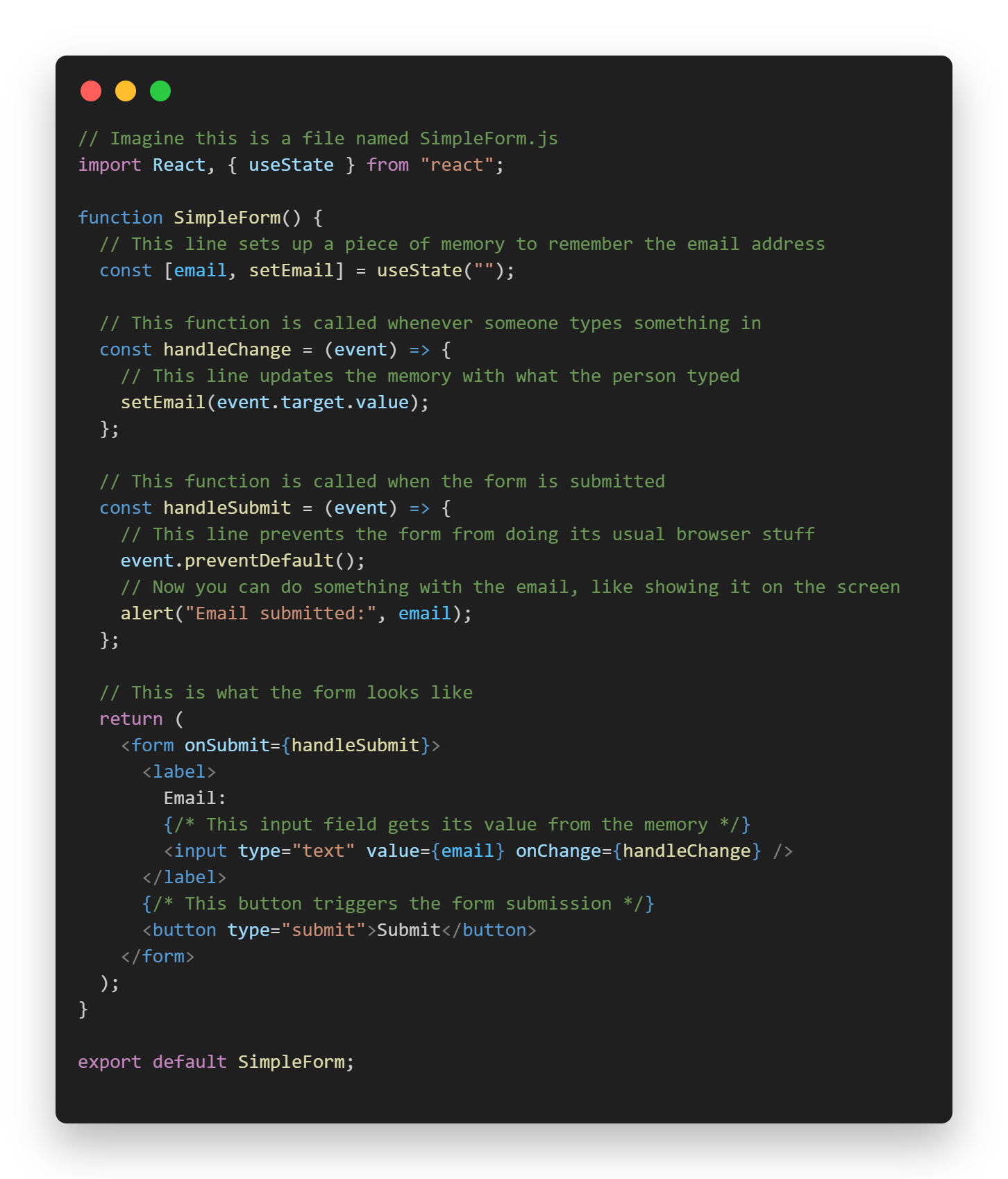
Imagine a form where someone can enter their email address. In React, we use a function called useState to keep track of what the user types.
Here's the example of form that receive user email
// Imagine
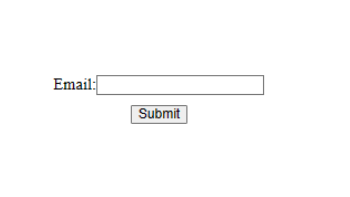
Here's the result looks like
Here's the good video to show complete tutorial on React Form Click here